
Widgets for every platform. One deck.
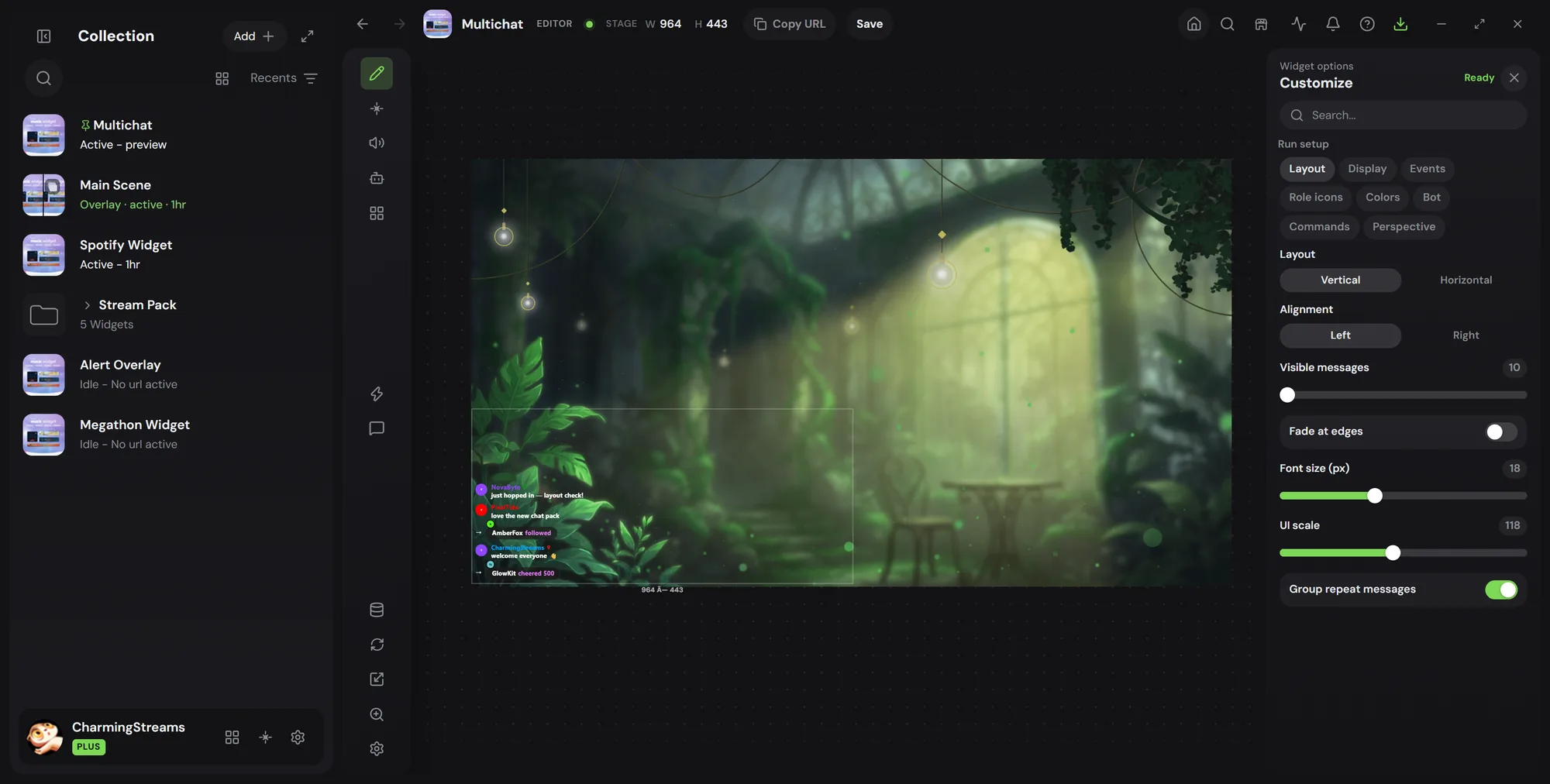
WidgetDeck is a Windows app and Store for streamers. Pick widgets, stream packs and overlays, customise them, and add them to OBS. Multistream to Twitch, YouTube, Kick, TikTok and X with one set of overlays.
Free to start. Windows app; keep it open while you stream.
How it works
- Get the app Download WidgetDeck for Windows and sign in with the account you already stream with.
- Pick your widgets Choose widgets, stream packs and overlays from the Store, then change colours and layout live.
- Add them to your stream Copy the link into OBS, Streamlabs Desktop or Meld Studio. Keep the app open while you stream.
One setup. Every platform you’re live on.
Connect your accounts and your widgets, stream packs and overlays pull chat, alerts and stats from all of them, so multistreaming just works.
Connect the tools you already use
Link your accounts once in the app and your widgets can use them.
Streaming platforms
 Twitch
 YouTube
 Kick
 TikTok
 X
Streaming software
 OBS Studio
 Streamlabs Desktop
 Meld Studio
Tips, shops and payments
 Ko-fi
 Throne
 StreamElements
 Pally
 PayPal
 Buy Me a Coffee
 Fourthwall
 Shopify
 Gumroad
 Etsy
Community, music and more
 Discord
 Patreon
 Spotify
 Last.fm
 Steam
 Pulsoid
 Streamloots
Download WidgetDeck for Windows
Unlock what you need, paste a Browser Source, keep the companion running while you’re live.